Stop repeating
error-handling functions.
ops-errors centralizes stderr capture and writes it to a single log file.
It auto-loads helpers for every subsequent shell: bash step using BASH_ENV.
One log file
Append timestamped stderr blocks into a single path on disk, consistent across steps.
Zero duplication
Functions are shipped once and automatically sourced for later bash steps.
Simple wrappers
Use with_error_log to capture stderr on failure and rethrow reliably.
Safe by default
Functions no-op if ERRORS_PATH is empty. Logs are append-only and resilient.
Consistent formatting
Timestamp + context + captured stderr. Great for auditing composite actions and workflows.
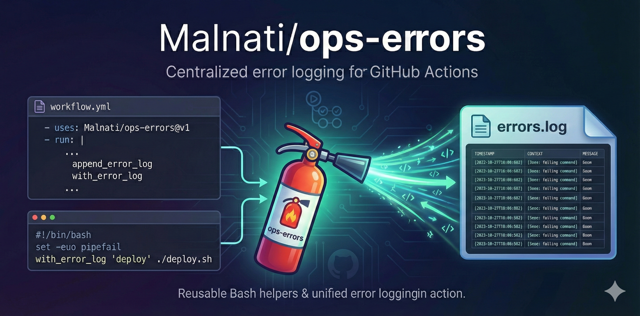
See what ops-errors looks like when describing how it captures and preserves stderr.

The ops-errors badge keeps the brand consistent across Marketplace and repository listings.
How it works
Add one step at the beginning of your job. It creates the log file, exports ERRORS_PATH,
and points BASH_ENV to the action library. Every next bash step auto-sources it.
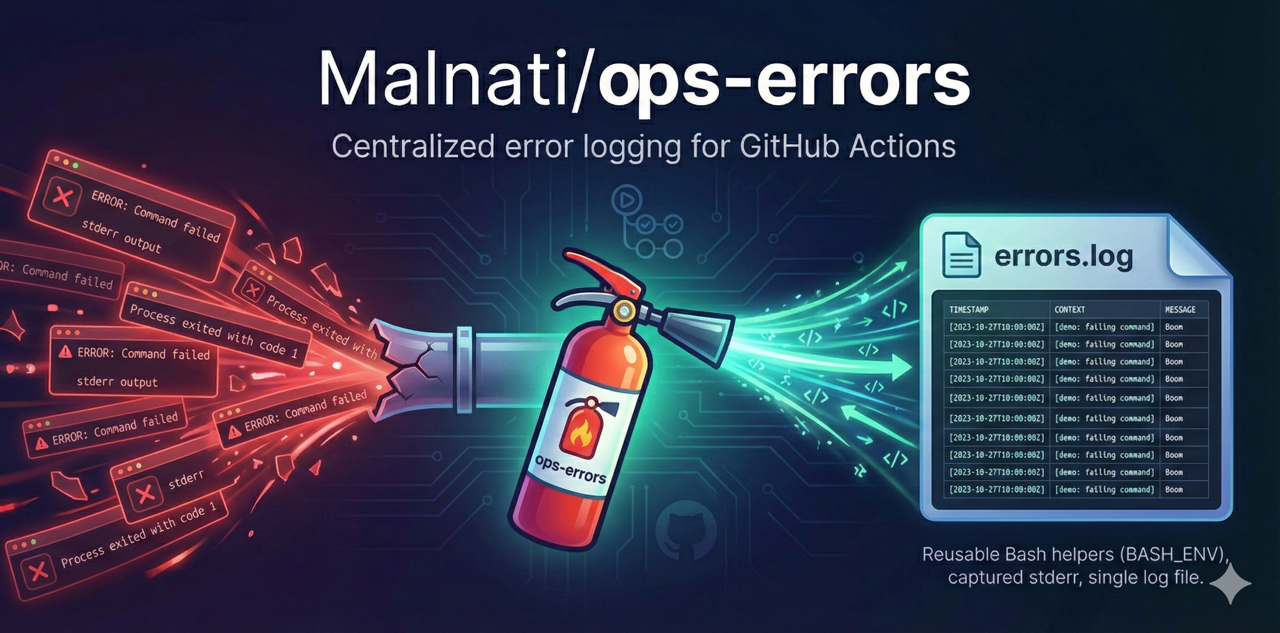
Centralized error logging for GitHub Actions, packaged with auto-loaded Bash helpers.
- name: "🧯 Setup error logging"
  uses: Malnati/ops-errors@v1.0.0
  with:
errors_path: .github/workflows/errors.log- name: "❌ Logged failure (captures stderr)"
shell: bash
run: |
set -euo pipefail
with_error_log "demo: failing command" bash -lc 'echo "Boom" >&2; exit 1'
- name: "📄 Preview error log"
shell: bash
run: |
set -euo pipefail
echo "ERRORS_PATH=$ERRORS_PATH"
test -f "$ERRORS_PATH"
head -n 80 "$ERRORS_PATH" || truename: "Example - ops-errors"
on:
workflow_dispatch:
permissions:
contents: read
jobs:
demo:
runs-on: ubuntu-latest
steps:
- uses: actions/checkout@v4
- name: "🧯 Setup error logging"
uses: Malnati/ops-errors@v1.0.0
with:
errors_path: .github/workflows/errors.log
- name: "🔍 GitHub CLI example"
shell: bash
env:
GH_TOKEN: ${{ secrets.GITHUB_TOKEN }}
run: |
set -euo pipefail
with_error_log "gh: auth status" gh auth status