Safe “literal” outputs for GitHub Actions.
ops-literal reads a file (or raw text) and exports it as a multiline-ready output for downstream steps — designed to avoid accidental log leaks in IssueOps / PR automations.
Multiline-safe outputs
Optional truncation
Hashing for traceability
No content printed by default
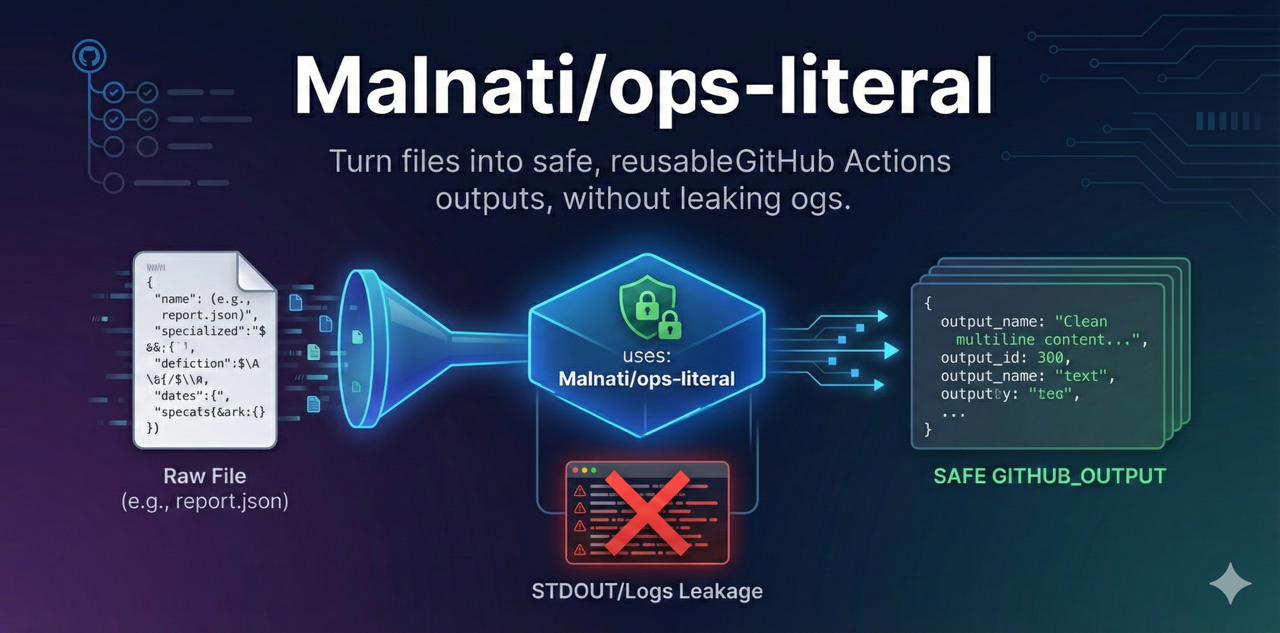
Export file content as output
Stop re-implementing “cat file → escape → export” in every workflow.
Basename mode
Need only the filename (without path) for templates or comments? Use mode: basename.
Hash mode
Generate sha256 for traceability and signatures without posting the full content.
Quick start
export report content
- name: "📦 Export report as literal"
  id: literal
  uses: Malnati/ops-literal@v1
  with:
    path: .reports/20251215-1530_hardcode.json
    max_bytes: 80000
    output_name: report

- name: "🧾 Use in Job Summary"
  shell: bash
  run: |
    printf '%s\n' "${{ steps.literal.outputs.report }}" >> "$GITHUB_STEP_SUMMARY"
Basename
filename only
- name: "📦 Export filename"
  id: literal_name
  uses: Malnati/ops-literal@v1
  with:
    path: .reports/20251215-1530_hardcode.json
    output_name: filename
    mode: basename

- name: "🔎 Show filename"
  run: echo "${{ steps.literal_name.outputs.filename }}"
Documentation
Prefer reading docs outside GitHub Pages? Use the repository docs file.