


Features
Simple, predictable, and easy to compose with your existing workflows.
Step-level env: support
Pass variables directly in the workflow step and render templates without extra tooling.
Outputs for downstream steps
Consume the rendered content as outputs.body and the file location as outputs.path.
Get it from Marketplace
Quickstart
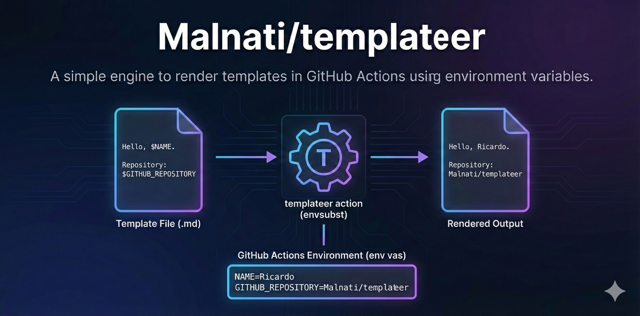
Render a markdown file from a template using environment variables.
Hello, $NAME.

File: $FILE_NAME
Repository: $GITHUB_REPOSITORY
name: templateer-example

on:
  workflow_dispatch:

jobs:
  render:
    runs-on: ubuntu-latest
    steps:
      - uses: actions/checkout@v4

      - name: Render template
        id: tpl
        uses: Malnati/templateer@v1.0.0
        env:
          NAME: Ricardo
          FILE_NAME: .reports/20251215-0100_hardcode.json
        with:
          template: .github/templates/report.md
          result: /tmp/report.rendered.md

      - name: Print path
        shell: bash
        run: echo "${{ steps.tpl.outputs.path }}"

      - name: Print content
        shell: bash
        run: |
          echo "-----"
          echo "${{ steps.tpl.outputs.body }}"
          echo "-----"
Template placeholders follow envsubst syntax (e.g., $VAR).
Reference
Inputs and outputs exposed by the action.
Inputs
| Name | Required | Default | Description |
|---|---|---|---|
template |
Yes | - | Template file path |
result |
Yes | - | Rendered output file path |
debug |
No | false |
If true, prints exported variables to logs |
Outputs
| Name | Description |
|---|---|
path |
Rendered file path |
body |
Rendered content (multiline) |
Use
debug=true carefully in repos that handle secrets.
More examples
Common patterns for PR comments, reports, and multi-step pipelines.
PR comment body
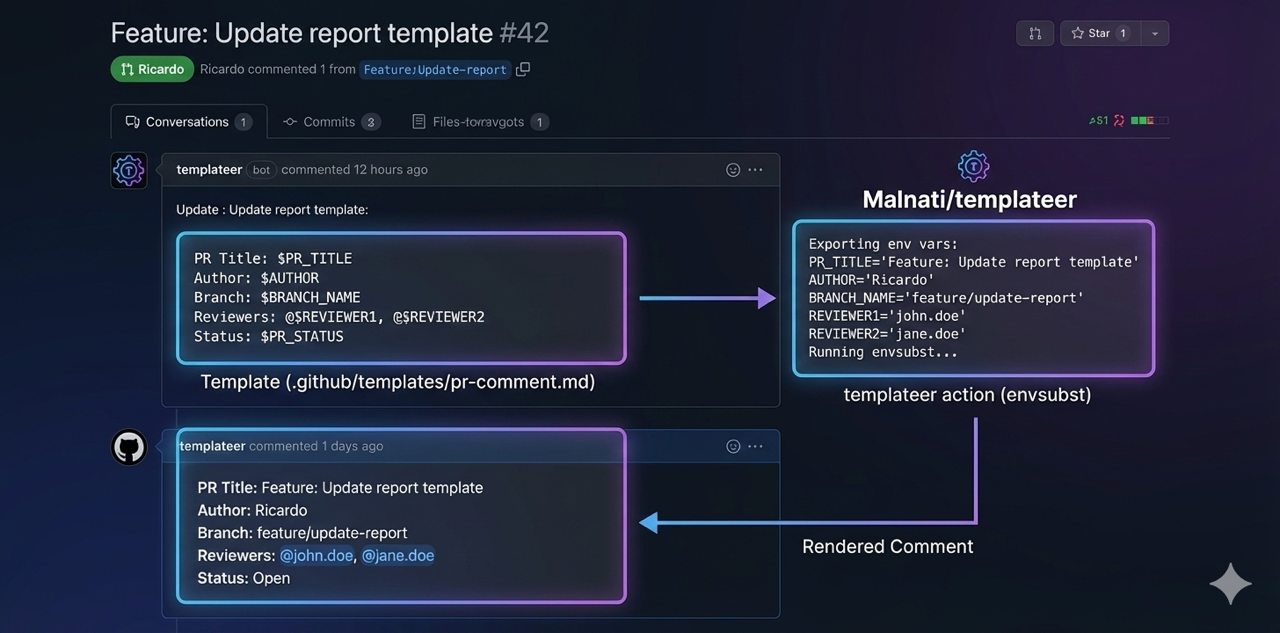
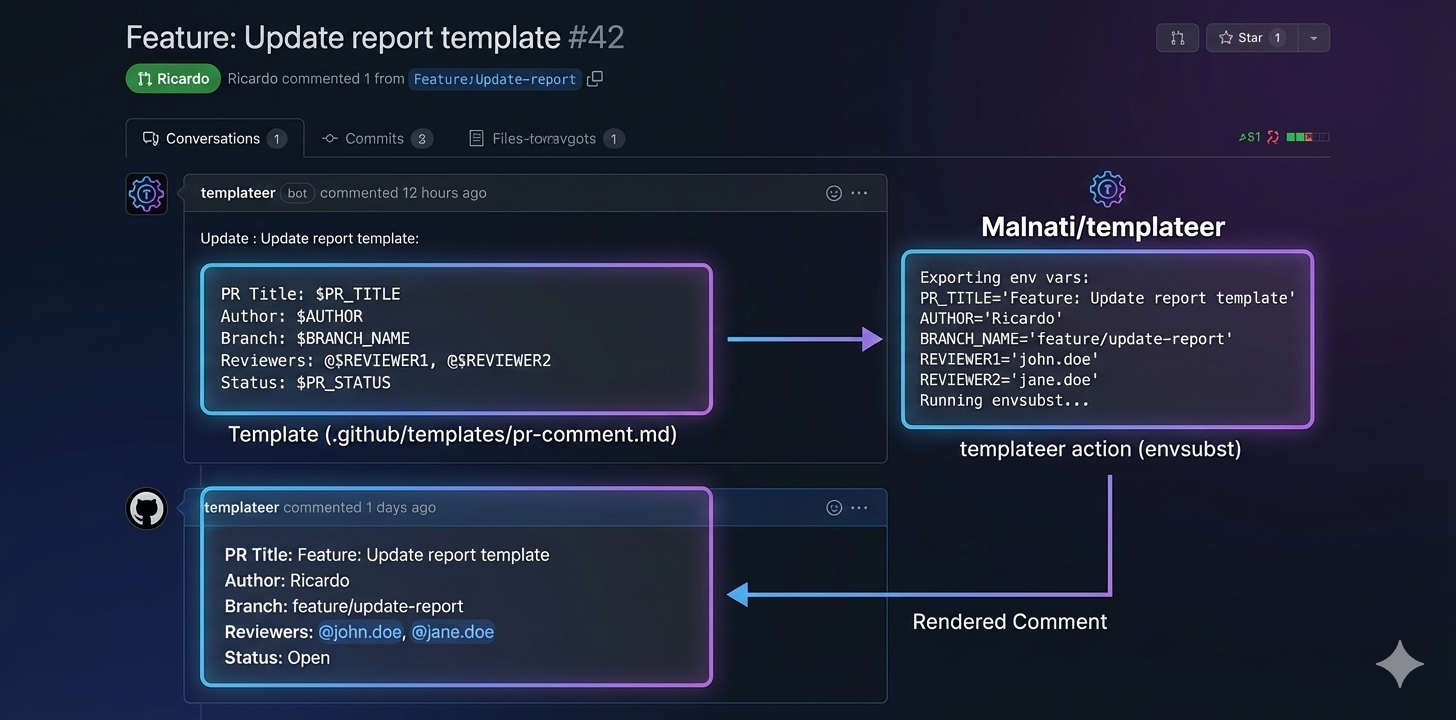
Use outputs.body as the message body for your PR comment action.
Attach rendered file
Use outputs.path to publish artifacts or commit generated markdown.
Install / discover
- name: Render template
  id: tpl
  uses: Malnati/templateer@v1.0.0
  env:
    TITLE: "Hardcode Report"
    COUNT: "42"
  with:
    template: .github/templates/timeline.md
    result: /tmp/timeline.rendered.md

- name: Use rendered content
  shell: bash
  run: |
    echo "${{ steps.tpl.outputs.body }}"