vaults-mermaid-render
Renders Mermaid sources to SVG/JPEG, writes manifests, supports themes, and can emit optional PNG or text sidecars.
Portable diagram automation
A standalone toolkit for teams that need reproducible Mermaid assets, source-code diagrams, and agent-friendly diagram workflows without carrying Vault-specific content.
Quick start
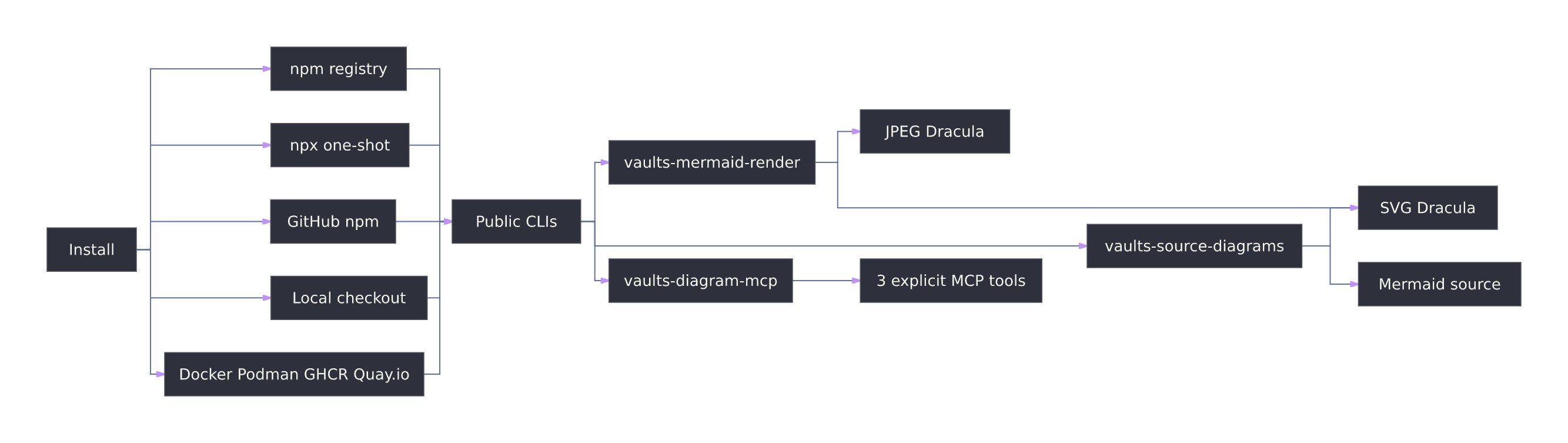
Use the public CLIs directly from a checkout, npm install, one-shot npx command, GHCR image, or Quay.io Podman image.
npx --yes --package vaults-diagram-tools \
  vaults-mermaid-render diagram.mmd --output-dir out \
--manifest out/manifest.jsonnpx --yes --package vaults-diagram-tools \
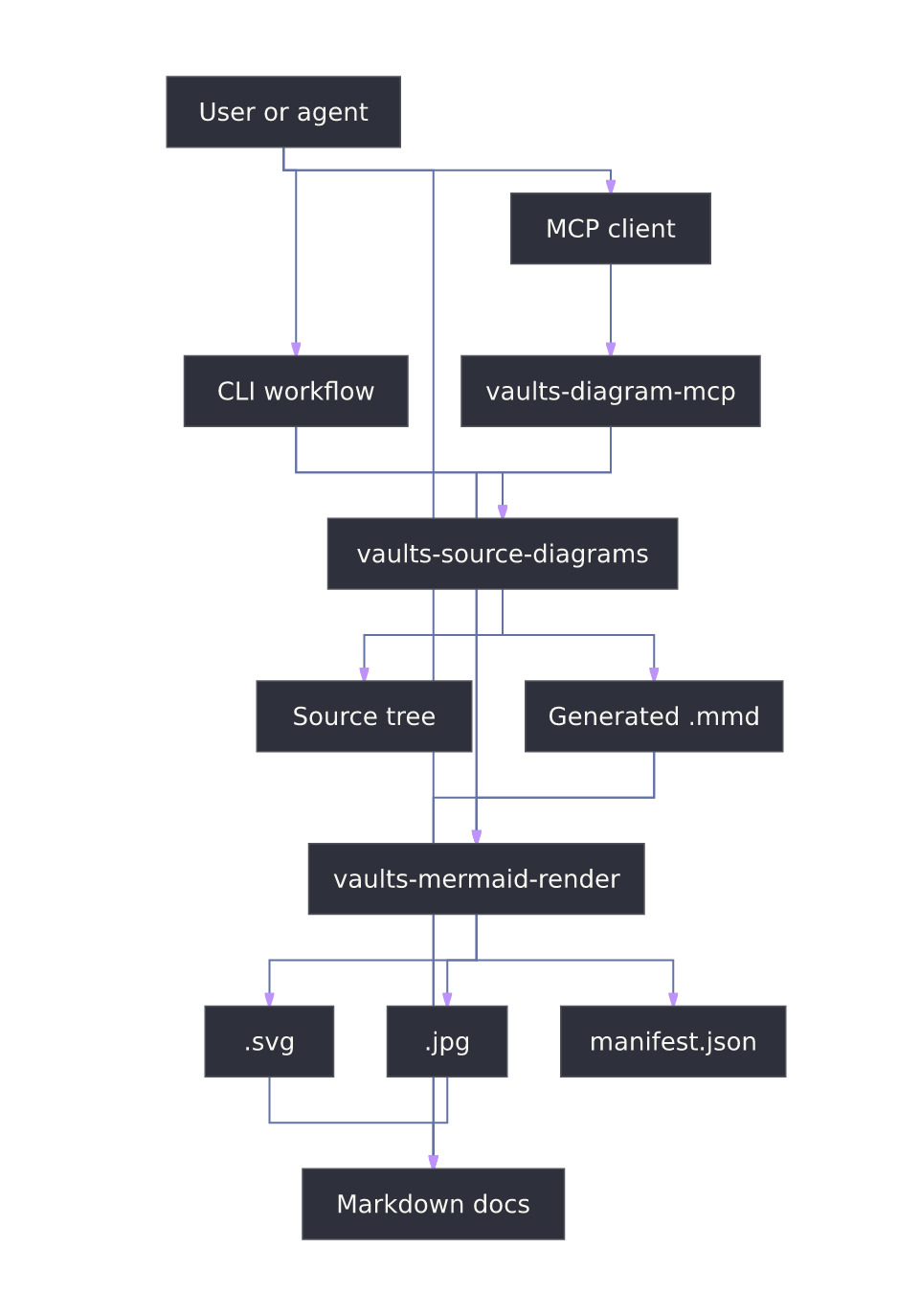
vaults-source-diagrams --source-dir src --output-dir diagramsRenderer, source-diagram generator, and MCP server share the same portable package and release lifecycle.
.mmd or .mermaid..svg and .jpg in the same cycle.Core tools
Designed for documentation pipelines, agent workflows, and repositories that need diagram outputs without app-specific assumptions.
vaults-mermaid-renderRenders Mermaid sources to SVG/JPEG, writes manifests, supports themes, and can emit optional PNG or text sidecars.
vaults-source-diagramsBuilds Mermaid diagrams from source-code structure and can focus selections while preserving traceability metadata.
vaults-diagram-mcpExposes only render_mermaid_text, render_mermaid_file, and generate_source_diagrams over MCP stdio.
Workflows
Each workflow keeps source, rendered assets, and validation surfaces close together.
Link the Mermaid source, SVG, and JPEG from Markdown; show source inline with a fenced mermaid block.
Generate dependency diagrams from real code paths, then inspect manifest selection data for requested files and omitted connectors.
Attach the MCP server to clients that need controlled diagram rendering without granting generic filesystem tools.
Examples
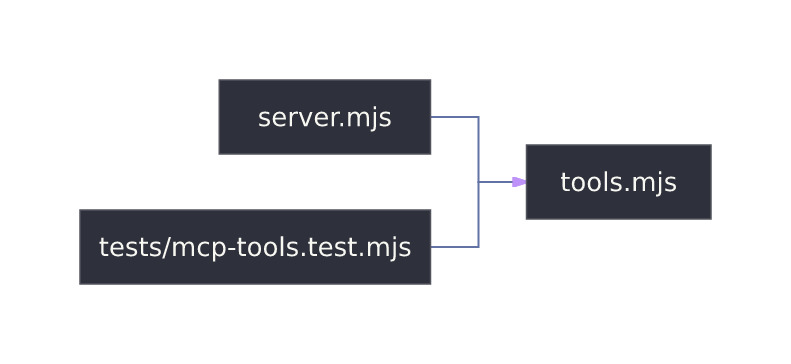
Existing examples reuse the package renderer and keep source plus rendered artifacts available for inspection.
Mermaid source · SVG · JPEG
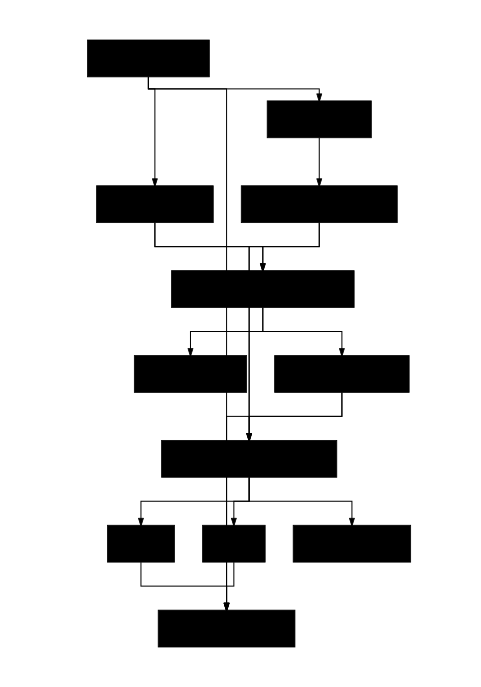
Mermaid source · SVG · JPEG
Index · Mermaid source · SVG · JPEG
Distribution
Use npm 0.1.4 for projects, npx for one-shot automation, the GitHub Actions Marketplace Action for CI diagram jobs, VS Code VSIX or Marketplace for editor workflows, MCP Registry or Smithery for discovery, GHCR/release assets for offline handoff, and Quay.io for Podman pulls.
Current npm latest is vaults-diagram-tools@0.1.4.
npm install -D vaults-diagram-tools
npx --yes --package vaults-diagram-tools vaults-mermaid-render diagram.mmd --output-dir outUse GHCR for the GitHub release image or Quay.io for the published Podman image.
docker run --rm \
  ghcr.io/malnati/vaults-diagram-tools:v0.1.4 \
  --help

podman run --rm \
  quay.io/ricardomalnati/vaults-diagram-tools:v0.1.0 \
--helpRelease v0.1.4 is the latest GitHub release, GHCR artifact line, npm package, MCP Registry metadata, and VS Code VSIX line; Quay.io carries the Podman image at v0.1.0.
Download the VS Code VSIX and install with code --install-extension vaults-diagram-tools-vscode-0.1.4.vsix.
Use the Vaults Diagram Tools Marketplace target for CI render, source-diagram, and Markdown policy jobs. The dedicated action repo is Malnati/vaults-diagram-tools-action.
uses: Malnati/vaults-diagram-tools-action@v0
with:
  mode: render
  input: docs/diagrams
output-dir: diagram-assetsInstall malnati.vaults-diagram-tools from Marketplace, Open VSX, or the direct GitHub Release VSIX.
io.github.Malnati/vaults-diagram-tools is active at version 0.1.4; PR #17 aligned the publisher name.
ricardomalnati/vaults-diagram-tools is already published for Smithery discovery.
Browser-safe helper exports are available through npm CDNs; rendering stays in Node, container, or MCP runtime.
Compliance
Project code is MIT licensed and distribution artifacts preserve license, notices, third-party notices, and bundled upstream license files.
.mmd, render .svg and .jpg, and show inline source with mermaid fences.beautiful-mermaid; Iconify JSON packages for Font Awesome 4, SVG Logos, and Lucide Icons.npm test includes license notice checks plus renderer, source-diagram, and MCP tests.0.1.4, dedicated GitHub Actions action repo release v0.1.4/v0 with Marketplace target, MCP Registry active at 0.1.4, Smithery published, VS Code VSIX and Marketplace targets, GitHub Release/GHCR v0.1.4, Quay.io Podman image v0.1.0.